
 Your data is locked inside encrypted iPhone backupsReading it takes forensic-grade tools that cost thousands— plus the technical skill to actually run themOther products? They get you photos and messages — not the full pictureSo most people never get to see their own truth at all
 Plug your iPhone in with a cableWe detect it and pull the backup ourselvesPrefer iTunes or Finder, or already have a backup? That works tooPick the reports you wantVerified, timestamped reports — ready to shareThat’s it.
Before you start
2 minutes of prep, and you’re in.

Ideally the one that came with the phone. A worn or “charge-only” cable is the #1 reason a phone won’t connect.

The backup is read locally on this computer. A few gigabytes covers most phones.

Encrypted backups hold more of your history — and open only with the “Encrypt Local Backup” password. Not your Apple ID, not your passcode. Forgot it? walks you through your options.
The app
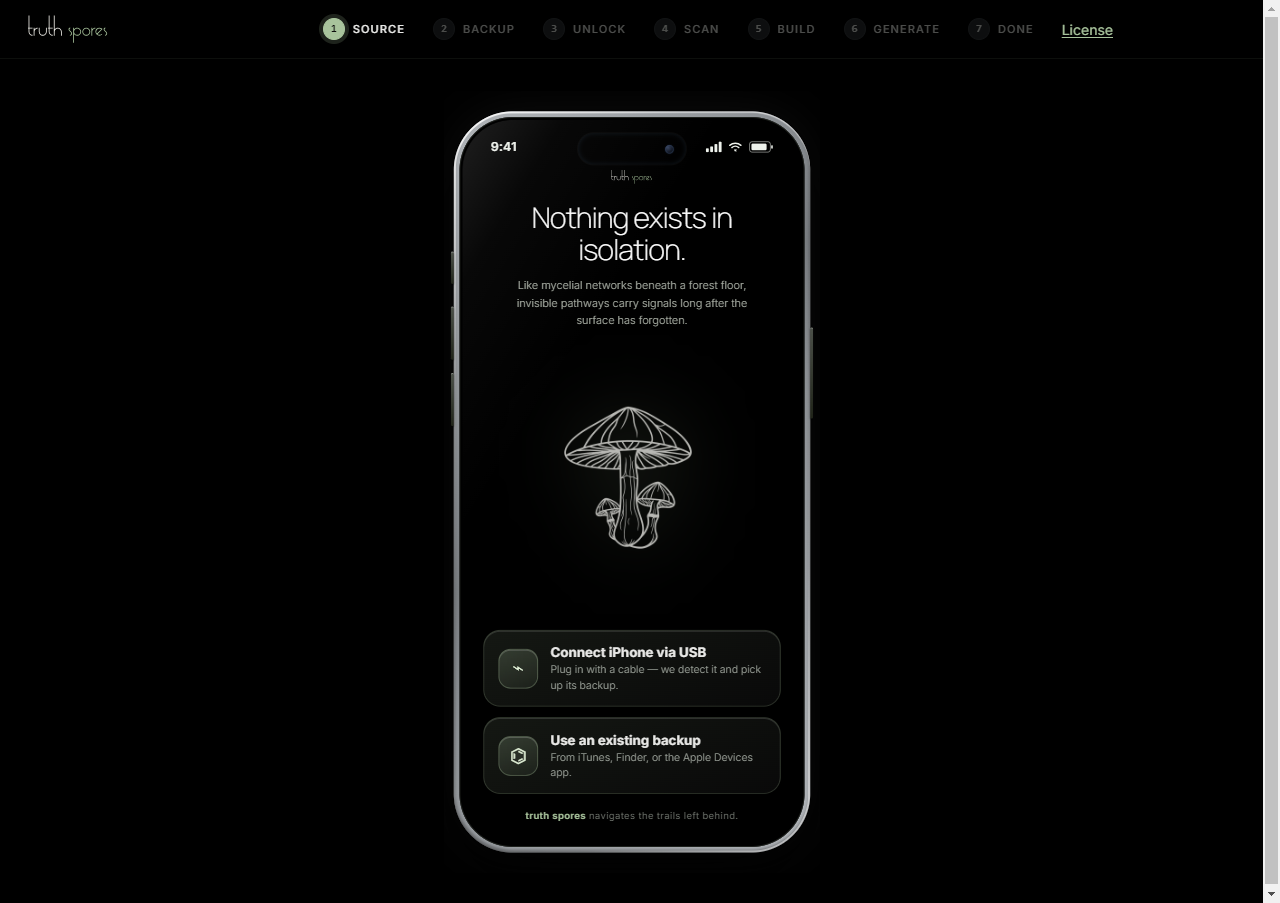
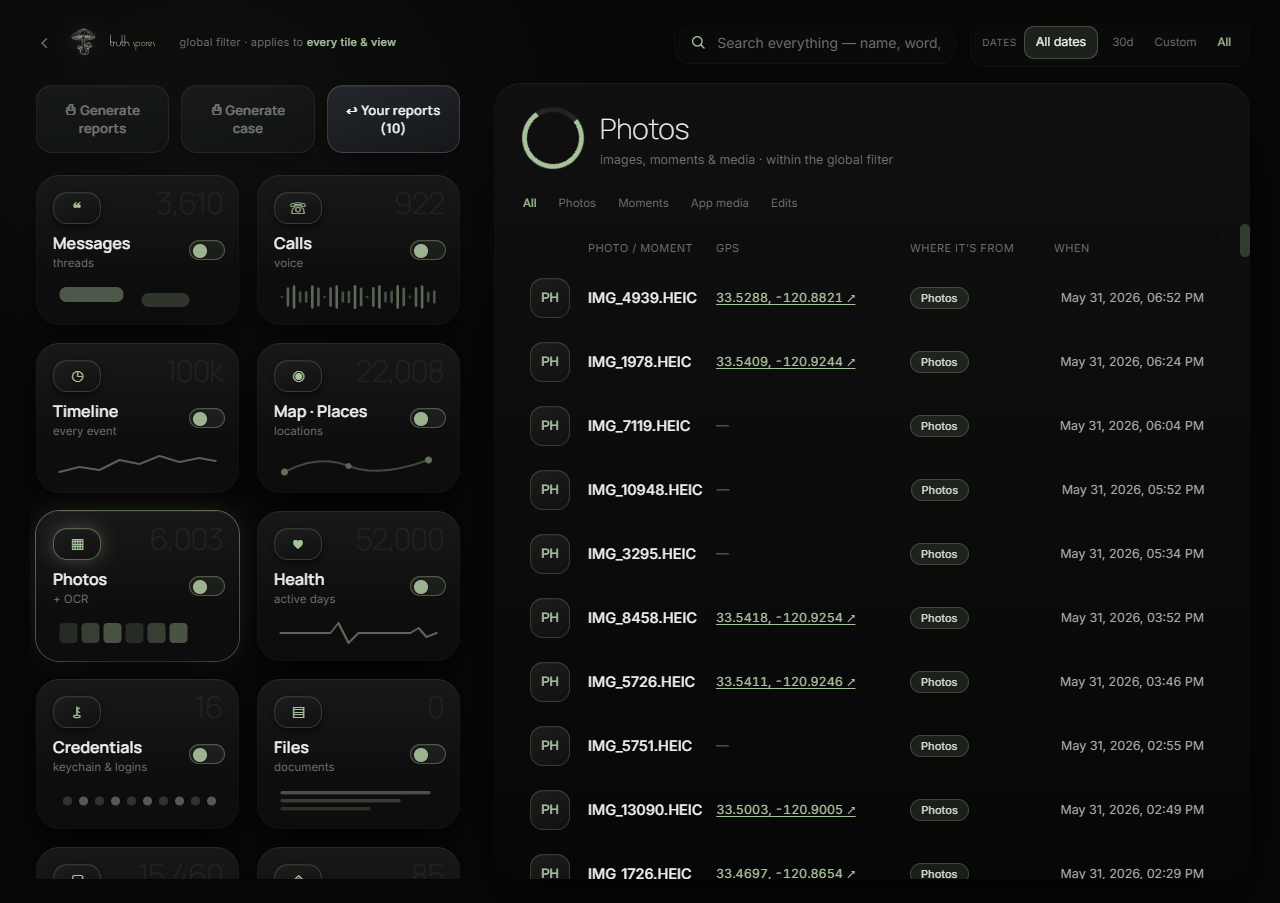
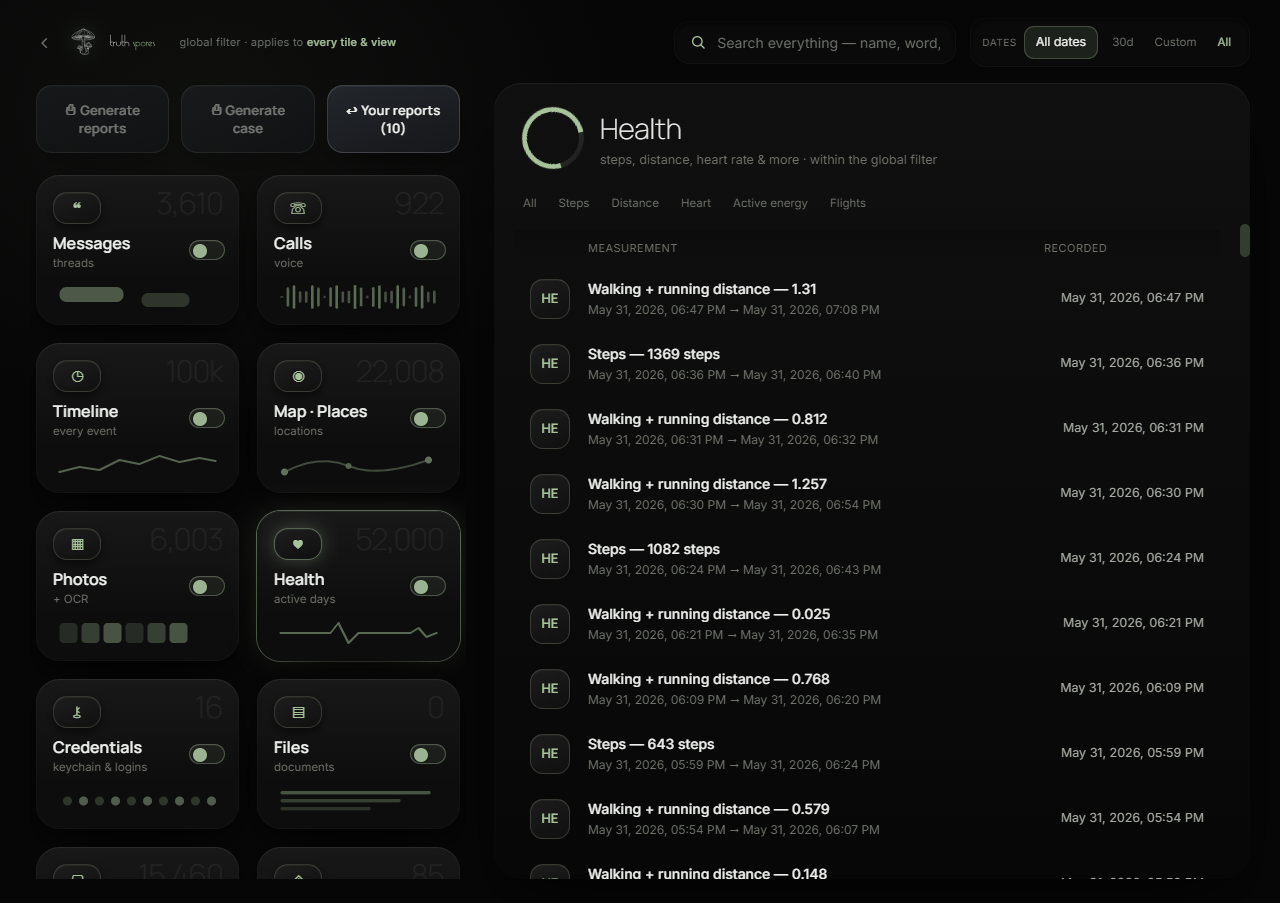
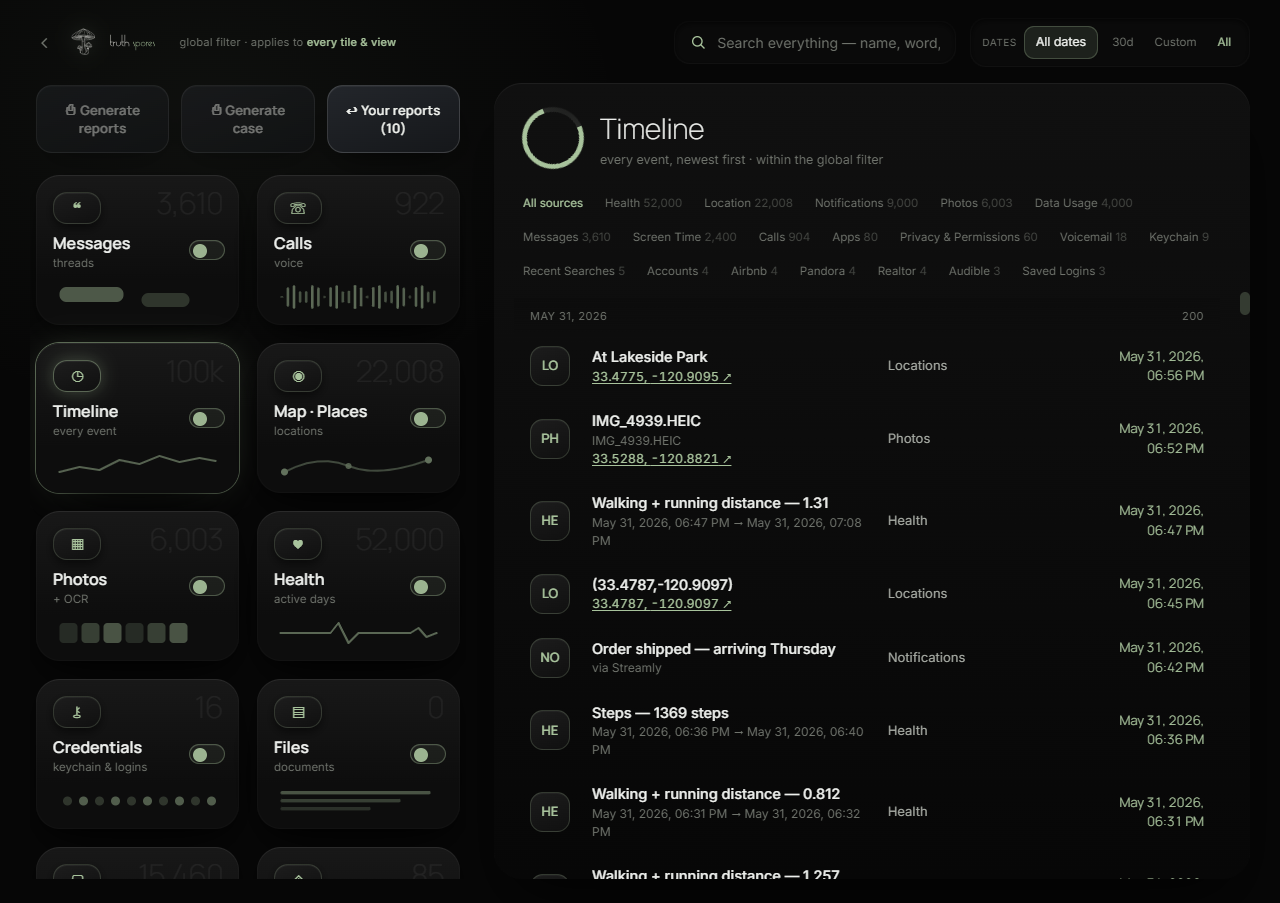
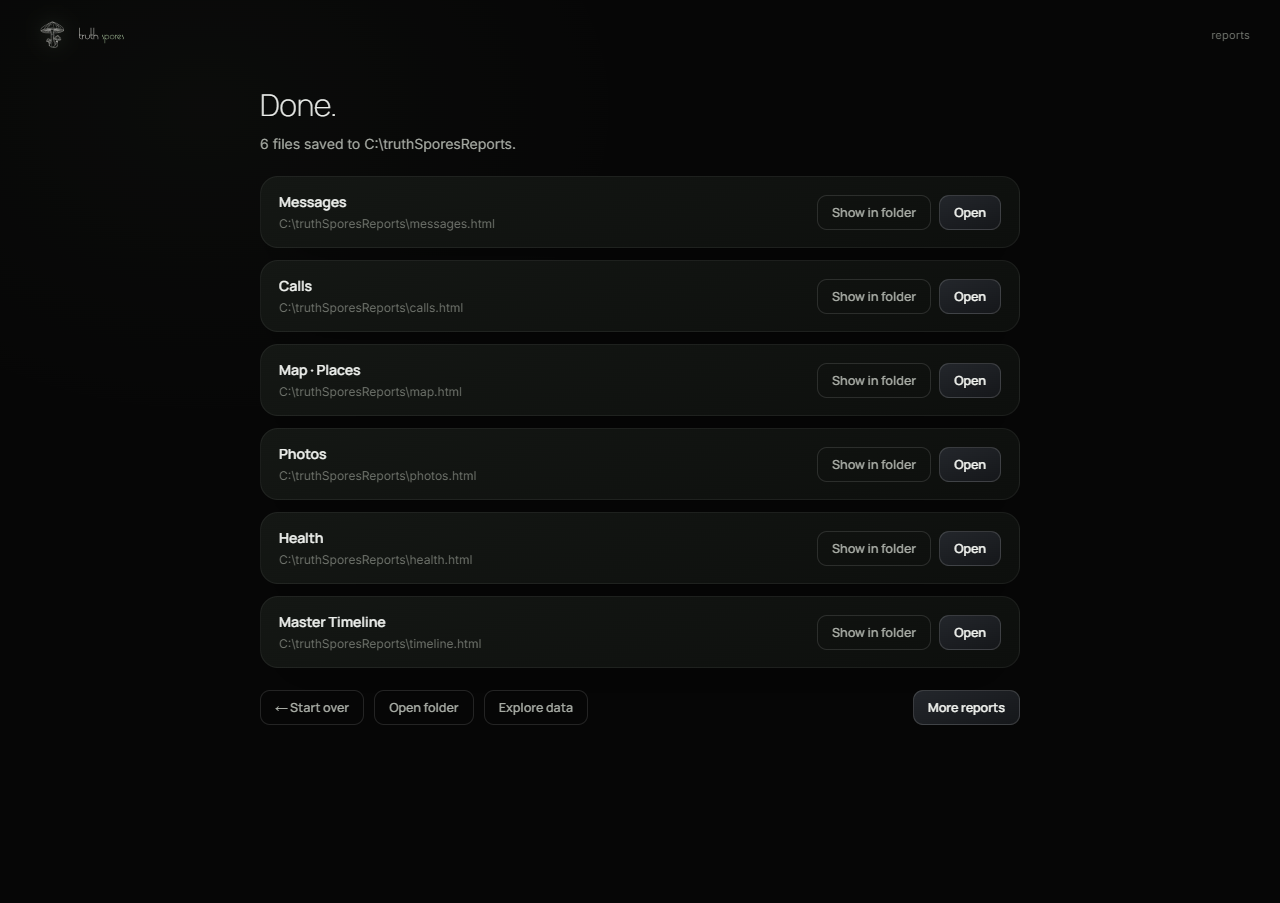
Connect your iPhone with a cable — or point to an existing backup.
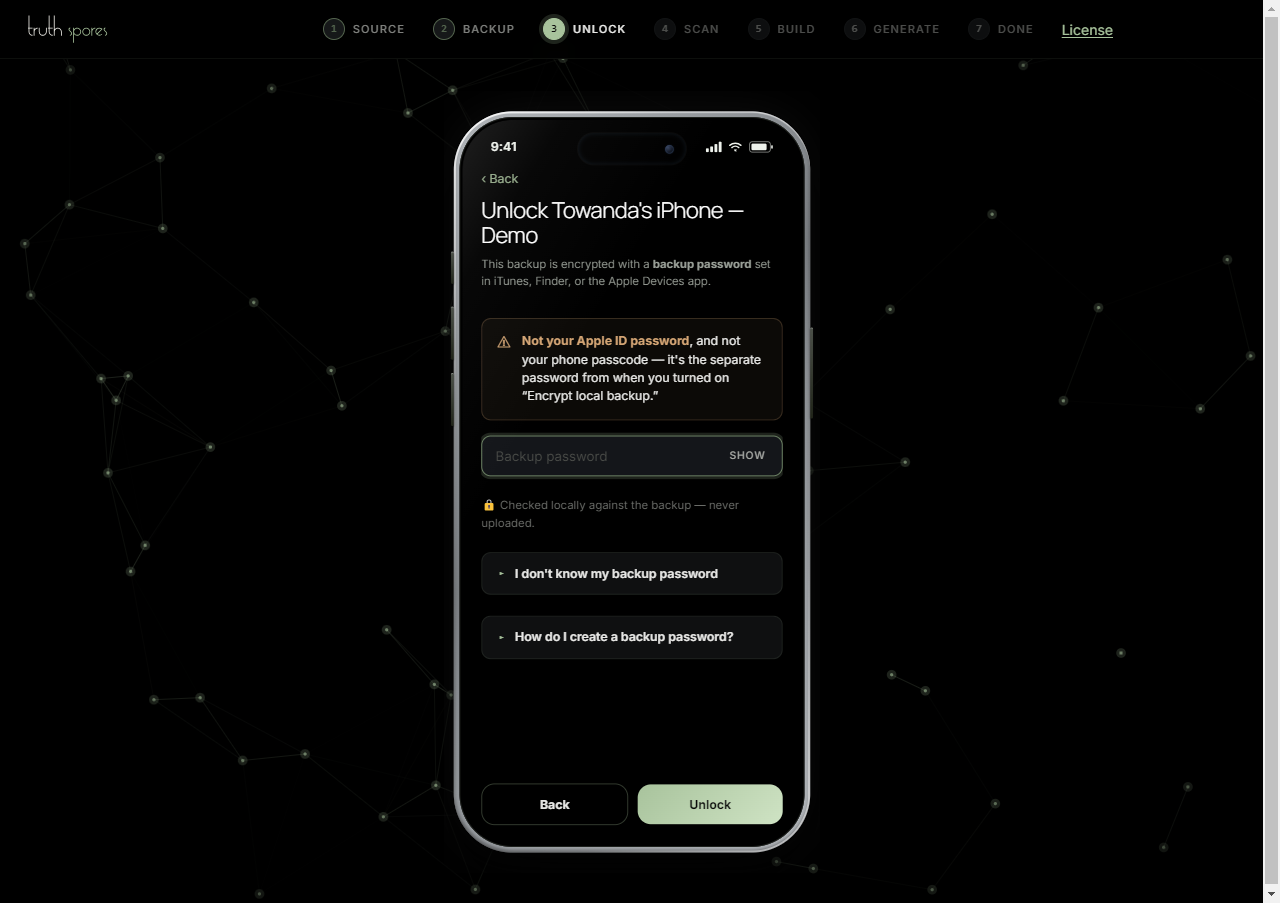
Encrypted backup? Enter the password once. Nothing leaves your machine.
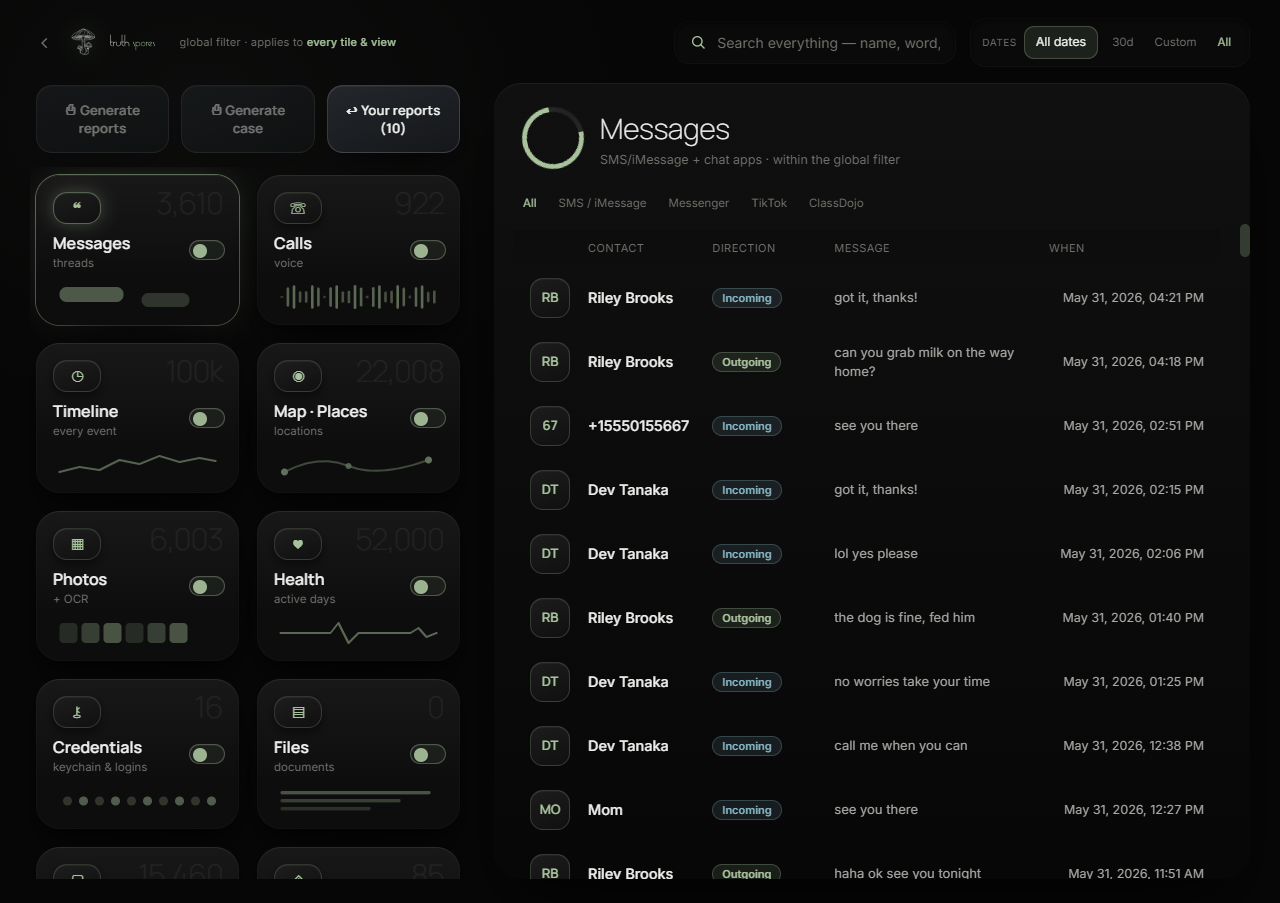
Browse messages by contact, date, or keyword — before you build anything.
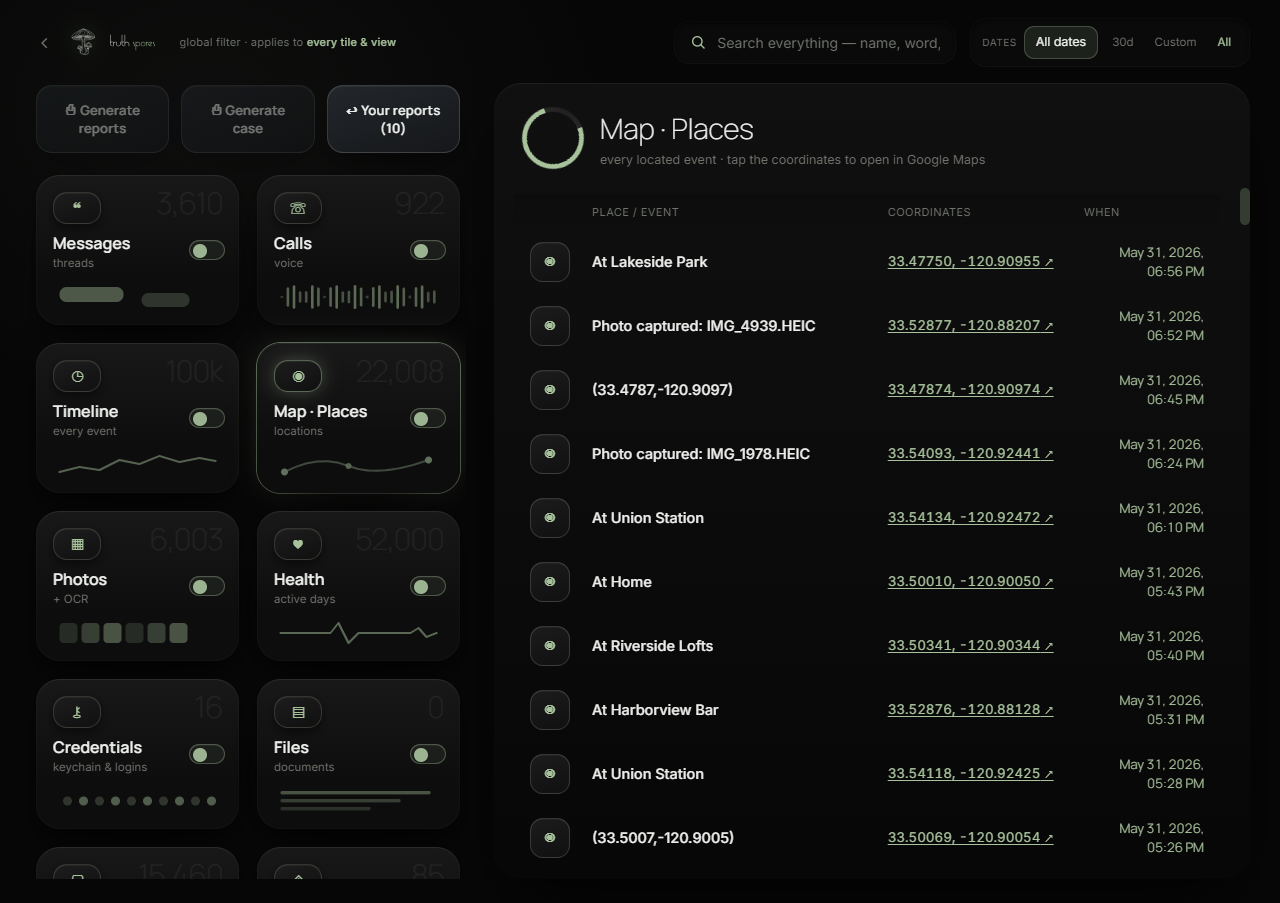
Every location the phone recorded, on a single map.
Photos and attachments, organized by conversation and date.
Health data — steps, heart rate, sleep — timestamped and searchable.
One timeline that fuses every source into a single chronological story.
Done. Clean reports saved to your computer — open, share, or print.
See it before you trust it
You can’t try the locked app yet — so here are a few of the reports it builds: real and interactive, with fictional data. Pick one, then search it, filter it, open it full-screen.
Every report is a clean, self-contained HTML file you can open in any browser — with a built-in printable version for hard copies.
The technology
Most tools skim a couple of obvious files.
reads the entire encrypted backup — over 100,000 files — parses every source it finds,
surfaces records that were deleted, and fuses more than a million records into one timeline and map of your own device.

The full encrypted iPhone backup — over 100,000 files, more than a million records — decrypted and parsed in one pass, not just the easy ones.

Entries marked deleted often linger in the database. We surface them, clearly flagged, instead of leaving them buried.

Every source is fused into a single chronological story — what was said, who was called, and where the phone was.

Browse everything the scan found — messages, calls, locations, photos, health, credentials, apps and more — filtered by contact, date, keyword, or source. Search across every data category in plain English before you build a single report.
Your iPhone stores far more than most people realize — but every phone is different, and there are limits.
Encrypted backups hold the full picture
When your backup is encrypted, it includes saved passwords, health records, call history, Wi-Fi networks, and more. Unencrypted backups skip most of those categories. will tell you which type you have.
“Deleted” doesn’t always mean gone
When you delete a message or call, the phone marks it as removed but doesn’t erase the actual data right away. It lingers in the backup’s databases until the phone needs that space for something new — which can be weeks, months, or longer. Even Apple keeps recently deleted messages recoverable for about 30 days before permanent removal (Apple Support). We surface those lingering records, clearly flagged, instead of leaving them buried.
Apps leave traces
Apps store cached files, thumbnails, logs, and metadata that persist even after content is cleared or the app is closed. These traces — things like image previews, timestamps, and connection logs — can reveal activity that wouldn’t show up in a simple export.
What you won’t find
Data that was deleted and overwritten — the phone reclaimed the space. Content from apps that encrypt everything locally, like Signal. Anything from a phone that’s been factory reset. And iCloud-only data that was never stored on the device itself.
How much data survives depends on how long the phone has been in use, how recently things were deleted, and whether the backup is encrypted. No tool can guarantee what’s still there — but we read everything that is.